If you’re still shopping for an office laptop based on a “sleek design” or a brand name you recognize from the early 2010s, you’re doing it wrong. In 2026, the baseline for a “pro” machine has shifted from raw CPU clock speeds to efficiency-per-watt and NPU (Neural Processing Unit) throughput.
As someone who spends more time looking at thermals and logic boards than marketing slides, I can tell you that a generic consumer laptop—even a “premium” one—will likely throttle its performance to 60% of its potential during a long Teams call or a heavy Excel crunch. To build a setup that actually lasts three to five years, you need to understand the hardware that powers the 2026 workflow.
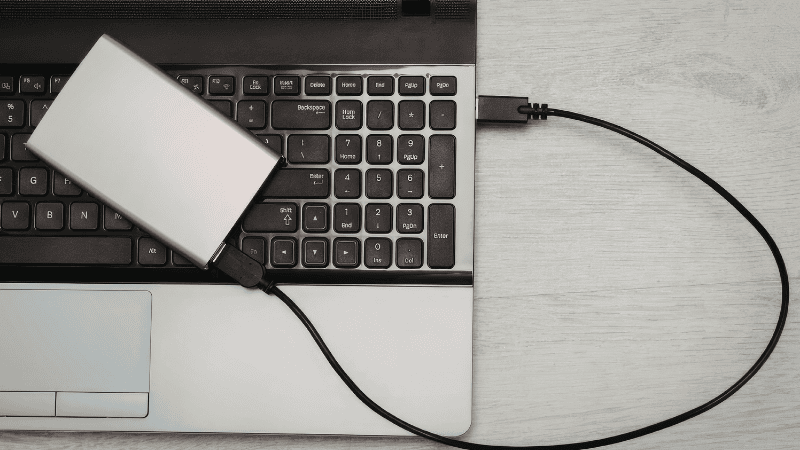
The 2026 Office Landscape: The Rise of the NPU
The professional landscape is no longer just about browser tabs. Modern software suites now offload background tasks to the NPU. Unlike the CPU, which handles general logic, or the GPU, which pushes pixels, the NPU is designed for low-power AI calculations.
Why this matters: In 2026, the NPU is what keeps your background blur crisp and your local AI assistant running without making your laptop fans sound like a jet engine. If your machine doesn’t hit the 40+ TOPS (Trillions of Operations Per Second) baseline, your system will feel “sluggish” within 18 months as software updates demand more local intelligence.
The Tier List: Best Laptop Brands for Professional Use
Apple (MacBook Air/Pro M5) — Best Overall
Apple’s silicon engineering still leads the pack for pure mobile efficiency. The M5 series has effectively ended the “battery anxiety” era.
- The Build: The MacBook Air remains fanless. Because it has no moving parts, it’s silent and won’t suck in dust that eventually kills your thermal performance.
- Real-World Usage: On the M5 Air, I can sustain a steady 18 hours of real-world use (Slack, Chrome, and VS Code) without hunting for a MagSafe cable.
- Troubleshooting Tip: Don’t use a plastic “hardshell” case; they act as insulators and trap heat against the aluminum chassis.
[Internal Link: Best USB-C Hubs for Office Laptops → /best-usb-c-hubs-office-laptops/]
Lenovo ThinkPad (X1 Carbon Gen 14) — Best for Windows Purists
If your IT department requires Windows, the ThinkPad X1 Carbon is the only “fleet” standard worth your time.
- The Engineering: It’s one of the few laptops that still uses a 1.5mm key travel mechanism. In an era where “butterfly” style thin keys are common, the X1 actually feels like a tool for writers.
- Specs: The Gen 14 models finally hit 20+ hours of battery life using Intel’s latest Core Ultra chips.
- Compatibility Note: While ARM-based laptops are fast, they can still hit “emulation lag” in older accounting or CAD software. Stick to x86 for 100% compatibility.
Framework Laptop 13 — The Disruptor’s Choice
Framework is the only brand actually fighting planned obsolescence. It’s the ultimate choice for those who want a repairable, sustainable machine.
- Why it fits: It’s 100% modular. If a port breaks, you don’t replace the motherboard; you spend $10 and swap a small expansion card.
- The Nuance: It’s for the professional who values Repairability over a purely “seamless” unibody feel.
Comparison Section: 2026 Performance Expectations
| Feature | Apple MacBook Air (M5) | ThinkPad X1 Carbon (G14) | Framework 13 (Intel 16th Gen) |
| Noise Level (Load) | 0 dB (Silent) | 32-38 dB (Quiet whir) | 35-42 dB (Noticeable fan) |
| Peak NPU Power | 38+ TOPS | 45+ TOPS | 40+ TOPS |
| Repair Score | 2/10 | 6/10 | 10/10 |
| Port Selection | Limited (USB-C only) | Excellent (Native) | Modular (Your choice) |
What Most Tech Guides Get Wrong
Most guides focus on “Peak Performance” (how fast it is for 30 seconds). In the real world, you need Sustained Performance.
Many slim laptops score high in short benchmarks but drop their speeds by 30-40% after 10 minutes due to heat. We prioritize brands like Lenovo and Apple because they manage “Thermal Throttling” better than consumer-grade alternatives, ensuring your 4 PM meeting is just as smooth as your 9 AM call.
Simple Tech: Why 16GB RAM is Now the “Budget” Floor
In 2026, 8GB of RAM is effectively e-waste for office use.
- The 16GB Reality: Between the OS, your browser, and the memory reserved for the integrated GPU, 8GB results in constant “swapping” to your SSD, which slows down the system.
- Multi-Monitor Logic: If you multitask across an external 4K monitor, the integrated GPU will hog up to 2GB of that RAM just to drive the display pixels.
FAQ: Engineering Quick-Fire
Q: Is Windows or macOS better for office work in 2026? MacOS (M5) is the king of efficiency and fanless silence. Windows is the king of software compatibility. If you rely on heavy Excel Macros or specialized accounting tools, stay on Windows.
Q: Can I upgrade my laptop later? On most best laptop brands today, the answer is “no.” Framework is the only exception. Always over-spec your RAM at the time of purchase to future-proof for the next 3 years.
Q: Do I need a dedicated GPU? For standard office work, no. Modern integrated graphics in Apple M-series or Intel Core Ultra chips handle multiple 4K displays with ease.
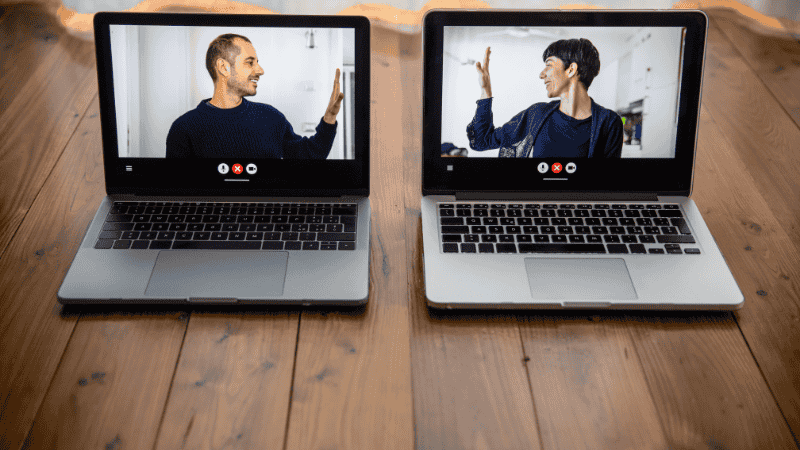
Q: What is the most important spec for Zoom/Teams? The NPU. A high TOPS rating allows the laptop to handle background blur and noise cancellation locally without taxing the CPU or draining the battery.
Mistakes to Avoid: The “Consumer Grade” Trap
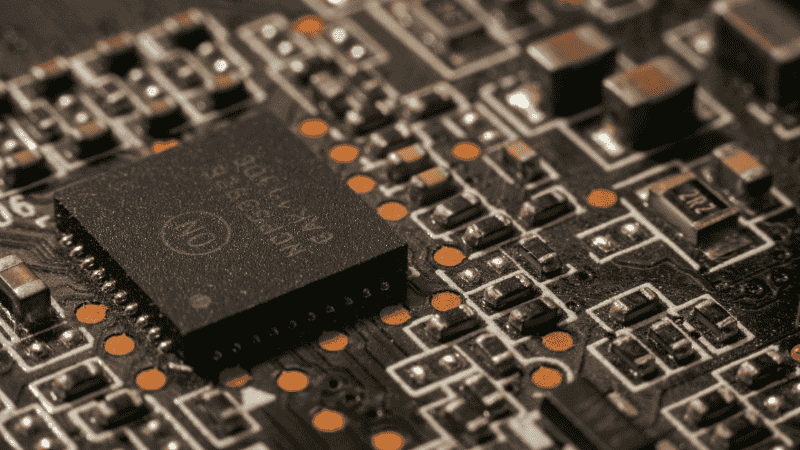
Don’t be fooled by “premium” consumer brands. These machines often use lower-tier hinges and thinner copper heat pipes. A business-grade machine (ThinkPad/Latitude) is built to survive being tossed into a laptop bag 500+ times; consumer hinges are notoriously prone to failure under that kind of daily stress.
Hi, this is a comment.
To get started with moderating, editing, and deleting comments, please visit the Comments screen in the dashboard.
Commenter avatars come from Gravatar.